168-hour free trialNo credit card required. Full unrestricted access to every feature.
Solana Sniper Bot MCP
Model Context Protocol · Solana Trading

Control Your Solana Bot
with AI

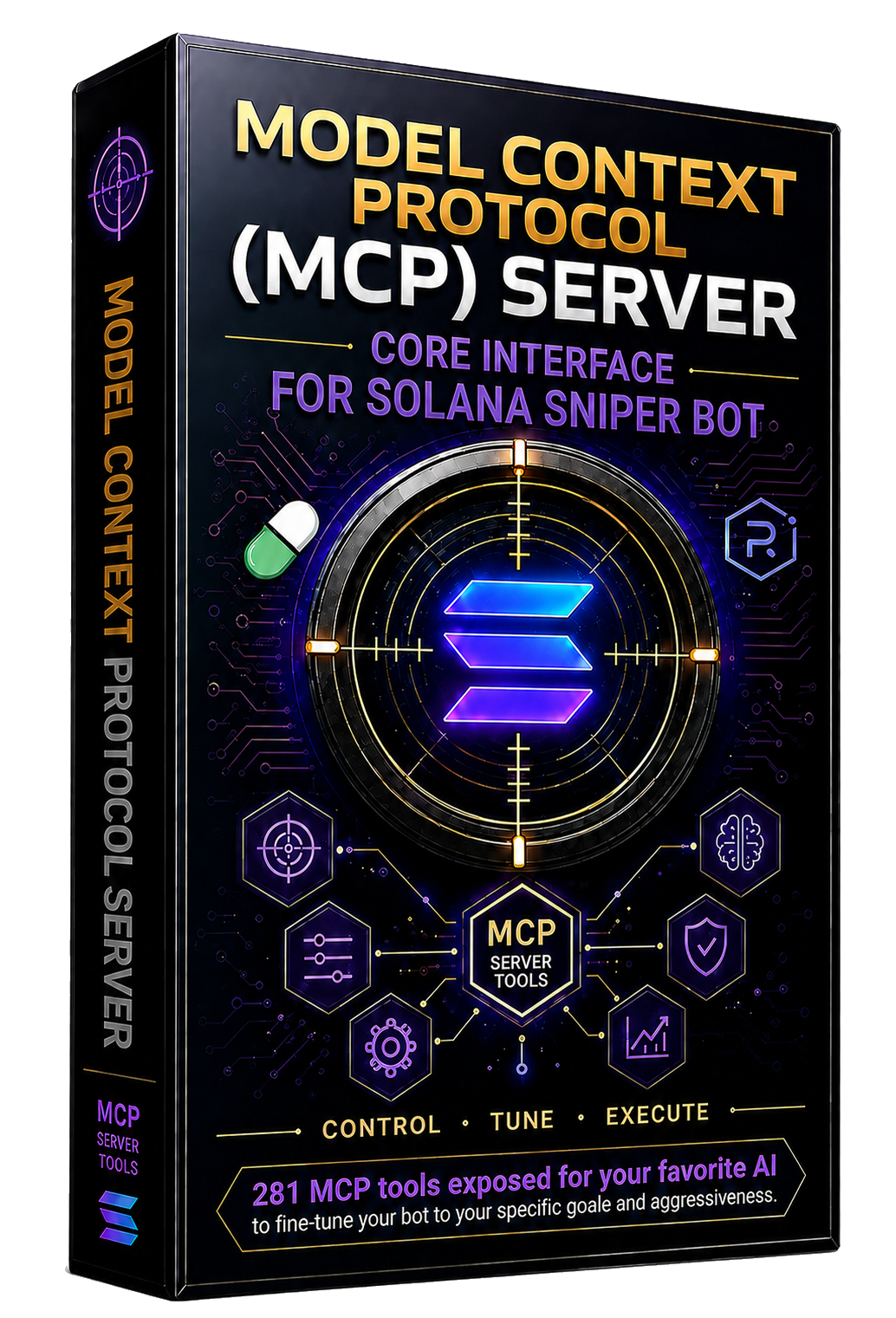
281 MCP tools that let Claude, Cursor, and Devin control every aspect of your Solana Sniper Bot V4 through natural language.

Claude Cursor Devin MCP Protocol
CLICK HERE TO Download the Required Application Fully Functional (168-hour) Trial
NO Credit Card Needed

No credit card needed. Then: pip install solana-snipe-bot-mcp

281
MCP Tools
4
Trading Modes
7 Days
Free Trial — No CC
$49
First Month
Required
The MCP server is useless on its own.
It requires the Solana Sniper Bot Windows application to be installed and running before any tool can communicate with the bot.
Install & Connect

Three steps. No build tools. No configuration files to write by hand.

Step 1 — Install the MCP Server

From PyPI:

pip install solana-snipe-bot-mcp
Step 2 — Configure Your AI Assistant

Set the project directory so the MCP server can find your bot's state files.

# Windows set SOLANA_SNIPER_BOT_DIR=P:\snipe-bot # Or on the command line when launching python -m solana_snipe_bot_mcp

Claude Desktop

Edit claude_desktop_config.json:

{ "mcpServers": { "solana-snipe-bot": { "command": "python", "args": ["-m", "solana_snipe_bot_mcp"], "env": { "SOLANA_SNIPER_BOT_DIR": "P:\\snipe-bot" } } } }

Cursor

Edit .cursor/mcp.json:

{ "mcpServers": { "solana-snipe-bot": { "command": "python", "args": ["-m", "solana_snipe_bot_mcp"], "env": { "SOLANA_SNIPER_BOT_DIR": "P:\\snipe-bot" } } } }

Devin

Add to mcp_config.json:

{ "mcpServers": { "snipe-bot": { "command": "python", "args": ["P:\\snipe-bot\\mcp_server.py"] } } }

Claude Code

claude mcp add solana-snipe-bot -- python -m solana_snipe_bot_mcp

Any MCP Client (generic)

The server uses stdio transport. Launch it with:

# Windows set SOLANA_SNIPER_BOT_DIR=P:\snipe-bot python -m solana_snipe_bot_mcp
Step 3 — Start the Bot

Ask your AI assistant:

"Start the Solana sniper bot"

Then try:

"What is my wallet balance and open positions?"

Architecture

How the MCP server talks to your bot.

MCP Server solana_snipe_bot_mcp/server.py

A standalone FastMCP server that:

Bot snipe_bot.py

The Windows bot that:

281 Tools at Your AI's Disposal

Grouped by category. Your AI can call any of these through natural language.

Bot Control (6)

  • start_bot
  • stop_bot
  • sell_all
  • sell_position
  • buy_mint
  • get_bot_stats

RPC Pool (3)

  • get_rpc_pool_status
  • set_rpc_pool_key
  • set_rpc_pool_skip_until

Configuration (8)

  • get_config
  • update_config
  • update_config_batch
  • get_config_catalog
  • validate_current_config
  • preview_strategy_profile
  • apply_strategy_profile
  • save_settings

Positions (8)

  • get_open_positions
  • get_positions_status
  • get_graduation_status
  • audit_open_positions
  • get_position_exit_quote
  • close_position
  • get_bot_status
  • get_pending_commands

Trade History & P&L (8)

  • get_trade_history
  • analyze_trade_performance
  • clear_trade_history
  • get_pnl_tally
  • reset_pnl_tally
  • refresh_pnl
  • get_fee_summary
  • clear_commands

Wallet (3)

  • get_wallet_balances
  • transfer_sol
  • move_all_sol

Pulse Trends (6)

  • get_pulse_results
  • set_pulse_match_mode
  • clear_pulse_results
  • get_pulse_price_history
  • get_pulse_purchase_preview
  • buy_pulse_asset

Trading Mode (1)

  • set_trading_mode

Log & Commands (2)

  • get_log
  • clear_log

ATA Rent (1)

  • close_empty_token_accounts

Meme Safety & Filters (12)

  • set_meme_max_buy_amount
  • set_meme_min_buy_amount
  • set_meme_min_liquidity
  • set_meme_min_market_cap
  • set_meme_min_volume_24h
  • set_meme_min_holders
  • set_meme_max_token_age
  • set_meme_max_creator_holdings_pct
  • set_meme_max_positions
  • set_meme_position_size_pct
  • set_meme_slippage_bps
  • add_to_blacklist

Meme Exit Strategy (11)

  • set_meme_stop_loss_pct
  • set_meme_take_profit_pct
  • set_meme_tp_ladder_steps
  • set_meme_trailing_stop
  • set_meme_rug_detection
  • set_meme_volume_death_detection
  • set_meme_momentum_reversal
  • set_meme_position_timeout
  • enable_meme_stop_loss
  • enable_meme_take_profit_ladder
  • enable_meme_trailing_stop

Meme Signals & Auto-Buy (3)

  • enable_meme_auto_buy
  • enable_meme_signals
  • clear_meme_signals

Meme Savings & Alerts (4)

  • set_meme_auto_savings
  • set_meme_savings_threshold
  • set_meme_alert_threshold
  • set_meme_exposure

Meme Analytics (15)

  • get_meme_statistics
  • get_meme_win_rate
  • get_meme_total_pnl
  • get_meme_best_worst_trades
  • get_meme_portfolio_concentration
  • get_meme_market_stats
  • get_meme_pulse_summary
  • get_meme_risk_status
  • get_meme_signal_detail
  • get_meme_position_detail
  • get_meme_position_pnl
  • get_meme_position_timeout
  • get_meme_trade_detail
  • get_meme_pending_graduations
  • get_meme_graduated_tokens

Meme Tokens (8)

  • get_trending_meme_tokens
  • search_meme_tokens
  • get_meme_alerts
  • add_to_whitelist
  • remove_from_whitelist
  • remove_from_blacklist
  • get_blacklist
  • get_whitelist

Meme Risk Levels (2)

  • apply_risk_level
  • preview_risk_level

Spot Orders (5)

  • spot_market_buy
  • spot_market_sell
  • spot_limit_buy
  • cancel_spot_order
  • close_spot_position

Spot Configuration (6)

  • get_spot_config
  • update_spot_config
  • batch_update_spot_config
  • get_spot_config_field
  • validate_spot_config_values
  • get_spot_config_catalog

Spot Risk & DCA (10)

  • set_spot_risk_level
  • set_spot_max_exposure
  • set_spot_max_positions
  • set_spot_slippage
  • set_spot_dca_interval
  • set_spot_dca_steps
  • enable_spot_dca
  • enable_spot_rebalancing
  • set_spot_rebalance_threshold
  • set_spot_alert_threshold

Spot Positions & P&L (13)

  • get_spot_positions
  • get_spot_position_detail
  • get_spot_position_pnl
  • get_spot_trade_history
  • get_spot_trade_detail
  • get_spot_statistics
  • get_spot_win_rate
  • get_spot_total_pnl
  • get_spot_best_worst_trades
  • get_spot_portfolio_concentration
  • get_spot_trade_pnl_tally
  • reset_spot_pnl_tally
  • clear_spot_trade_history

Spot Markets & Data (8)

  • get_spot_markets
  • get_spot_market_detail
  • get_spot_market_stats
  • search_spot_tokens
  • get_trending_spot_tokens
  • get_spot_quote
  • get_spot_swap_transaction
  • refresh_spot_markets

Spot Signals & Bot (11)

  • get_spot_signals
  • get_spot_signal_detail
  • clear_spot_signals
  • enable_spot_signals
  • get_spot_risk_status
  • get_spot_risk_levels
  • get_spot_alerts
  • start_spot_bot
  • stop_spot_bot
  • sell_all_spot
  • get_spot_bot_status

Spot Wallet & Logs (8)

  • get_spot_wallet_balances
  • get_spot_token_balance
  • transfer_spot_to_savings
  • add_allowed_spot_token
  • remove_allowed_spot_token
  • get_spot_bot_status
  • get_spot_logs
  • clear_spot_logs

Perp Positions (7)

  • open_perp_long
  • open_perp_short
  • close_perp_position
  • sell_all_perps
  • get_perp_positions
  • get_perp_position_detail
  • get_perp_position_pnl

Perp Configuration (8)

  • get_perp_config
  • update_perp_config
  • update_perp_config_batch
  • get_perp_config_catalog
  • save_perp_settings
  • validate_perp_config_tool
  • set_perp_auto_execute
  • set_perp_dry_run

Perp Leverage & Margin (8)

  • set_perp_leverage
  • set_perp_max_leverage
  • set_perp_position_size
  • set_perp_max_exposure
  • set_perp_margin_mode
  • get_perp_margin_info
  • get_perp_margin_ratio
  • get_perp_liquidation_price

Perp Risk & Exits (10)

  • set_perp_stop_loss
  • set_perp_take_profit_ladder
  • set_perp_trailing_stop
  • set_perp_funding_exit
  • set_perp_liquidation_floor
  • set_perp_position_timeout
  • set_perp_direction
  • set_perp_auto_savings
  • get_perp_exposure
  • get_perp_risk_status

Perp Market Filters (6)

  • set_perp_market_filters
  • set_perp_allowed_tokens
  • set_perp_blocked_tokens
  • set_perp_signal_mode
  • enable_perp_signal
  • disable_perp_signal

Perp Orders (9)

  • set_perp_order_type
  • set_perp_slippage
  • set_perp_poll_intervals
  • set_perp_testnet
  • cancel_all_perp_orders
  • cancel_perp_order
  • modify_perp_order
  • get_perp_open_orders
  • get_perp_order_history

Perp Markets & Data (8)

  • get_perp_markets
  • get_top_perp_markets
  • search_perp_markets
  • get_perp_market_detail
  • get_perp_market_stats
  • get_perp_candles
  • get_perp_orderbook
  • get_perp_price_changes

Perp P&L & Analytics (14)

  • get_perp_pnl_tally
  • reset_perp_pnl_tally
  • get_perp_trade_history
  • get_perp_trade_detail
  • clear_perp_trade_history
  • get_perp_fee_summary
  • refresh_perp_pnl
  • analyze_perp_performance
  • get_perp_funding_cost
  • get_funding_rates
  • get_funding_history
  • get_liquidations
  • get_perp_correlation_matrix
  • get_perp_var_estimate

Perp Signals (5)

  • get_perp_signals
  • get_perp_signal_detail
  • get_perp_signal_summary
  • get_perp_signal_history
  • clear_perp_signal_history

Perp Bot Control & Wallet (7)

  • start_perp_bot
  • stop_perp_bot
  • get_perp_bot_status
  • get_perp_log
  • clear_perp_log
  • get_perp_wallet_balances
  • transfer_perp_sol

Perp Risk Levels (2)

  • apply_perp_risk_level
  • preview_perp_risk_level

Mirror Whale Management (6)

  • add_mirror_whale
  • remove_mirror_whale
  • toggle_mirror_whale
  • get_mirror_whales
  • get_mirror_whale_stats
  • get_all_mirror_whale_stats

Mirror Configuration (9)

  • get_mirror_config
  • update_mirror_config_field
  • set_mirror_mode
  • set_mirror_allocation_pct
  • set_mirror_copy_sells
  • set_mirror_dry_run
  • set_mirror_max_trade_usd
  • set_mirror_stop_loss_pct
  • set_mirror_take_profit_pct

Mirror Positions & Bot (6)

  • get_mirror_trades
  • clear_mirror_trade_history
  • sell_all_mirror_positions
  • get_mirror_bot_status
  • start_mirror_bot
  • stop_mirror_bot

Technical Indicators (8)

  • get_all_indicators
  • get_rsi
  • get_macd
  • get_moving_averages
  • get_bollinger_bands
  • get_atr
  • get_volume_analysis
  • get_token_candles

Market Data (5)

  • get_token_market_data
  • get_token_price
  • get_token_prices
  • get_sol_price
  • get_signal_summary
✓ No Credit Card Required

Try It Free for 7 Full Days

Download the app, install the MCP server, and get 168 hours of actual live trading time — that's a full week of real bot-running access. No credit card. No signup form. No payment information requested at any point during the trial. You get the same 100% full, unrestricted access as a paid license — every tool, every feature, every filter.

💳
No Credit Card Needed
Download and start trading immediately. We never ask for payment information during the trial. Not now, not later — the trial is genuinely free.
🕒
168 Hours of Live Trading
That's 7 full days of actual bot-running time. The clock only ticks while the bot is actively live trading — not while you're browsing settings, configuring filters, or letting the app sit open.
Zero Restrictions
During the trial you get 100% full unrestricted access to every single feature. All 281 MCP tools, all safety filters, all exit rules, all four trading modes. Nothing is locked, nothing is watered down, nothing is demo-only.
🧾
Decide After Using It
Use it for a full week. Trade with it. Test every strategy. If you find it valuable, continue with a $49.99 first month subscription and $99.99/month after that. Cancel anytime. If not, you've lost nothing — no payment was ever required.

The authors of this application believe that after giving you such an ample and generous amount of time to use the program — a full week of unrestricted live trading — you will find it valuable and will continue your subscription. That's why the trial exists: we'd rather you experience the full product, risk-free, than take our word for it.

Ready to Trade with AI?

Download the Windows app, install the MCP server, and start trading through natural language. 168-hour free trial. No credit card required.

CLICK HERE TO Start Your free 168-hour trial Download the Required Application
NO Credit Card Needed
View on PyPI →
RISK DISCLAIMER: On-chain trading is extremely risky. This software does not guarantee profits. Safety filters reduce but do not eliminate risk. Trade only what you can afford to lose.